How to Redeem Your Coupon
5
min

BizCrush
Growth
💡 You’ve got a BizCrush coupon?
Nice — here’s how to unlock unlimited meetings in a few taps.
Step 1: Open Subscription Settings
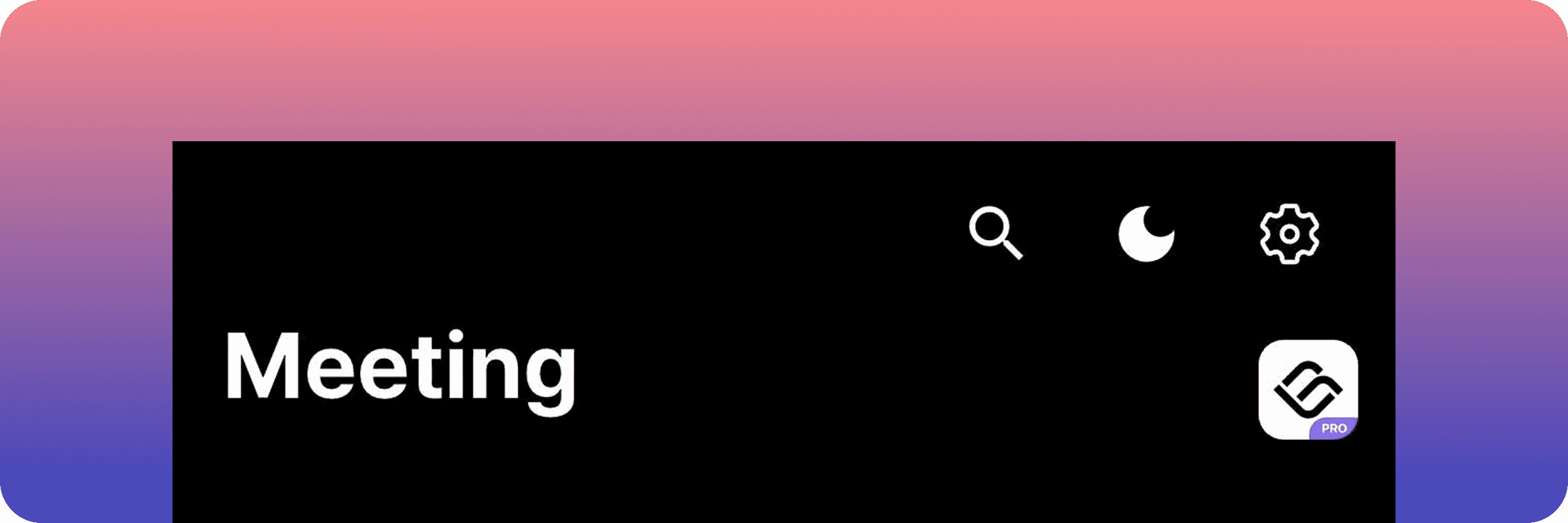
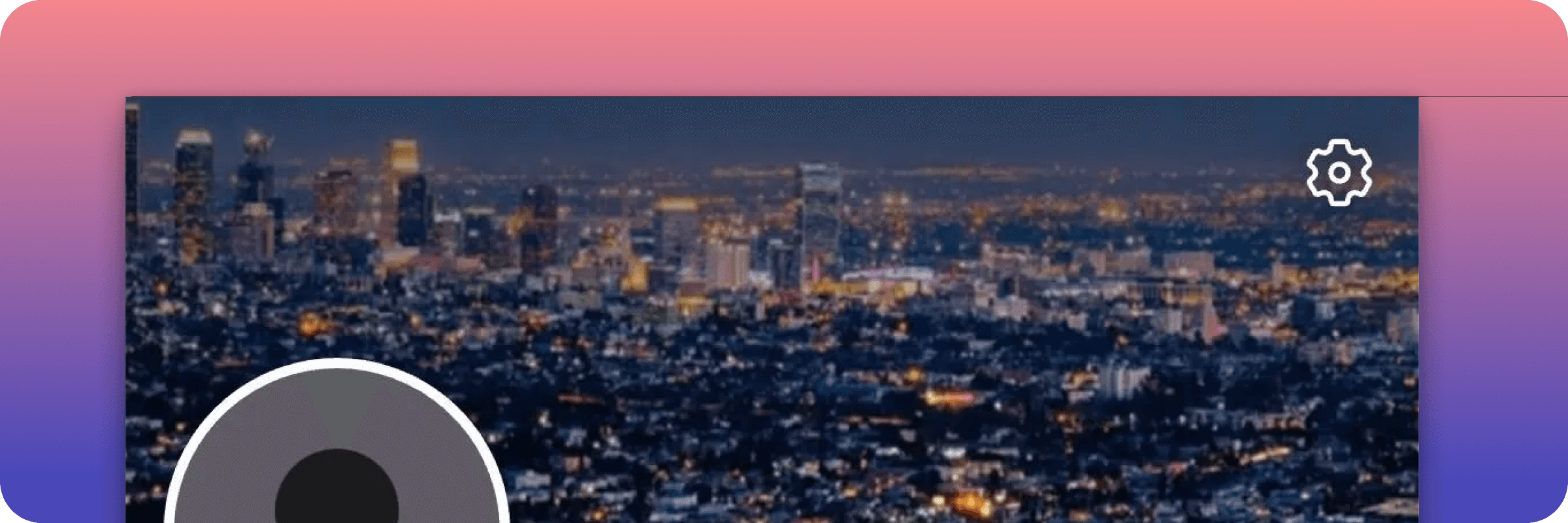
From your Meeting List screen or Profile tab, tap the ⚙ Settings icon in the top-right corner.
Meeting List
Profile tab
Step 2: Enter Your Coupon Code
Select Subscription to view your current plan.
Tap Redeem Code in the top-right corner.
Enter your coupon code (e.g.,
PRO2025) and confirm.
💡 How to Redeem or Cancel Your Coupon on Android
Step 3: Enjoy BizCrush Pro 🚀
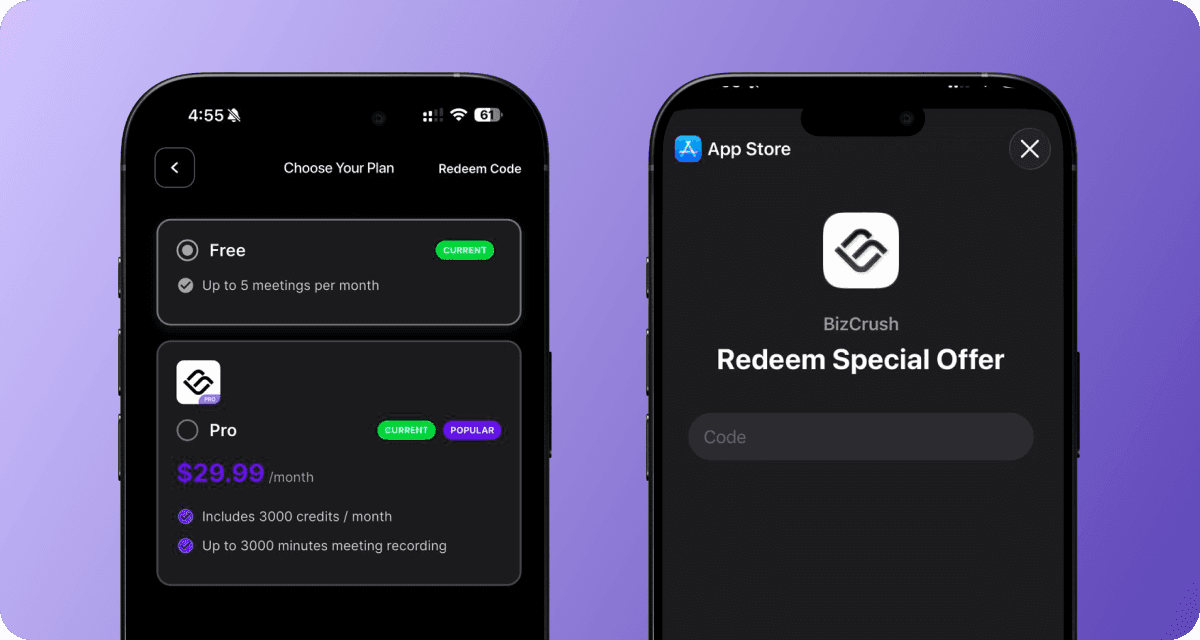
Once confirmed, your plan upgrades instantly upgrade to Pro—no strings attached.
If you use specific coupon code, you’ll get:
pro subscription for one month from the day you activated it!
Quick Summary
Tap ⚙ → Subscription → Redeem Code
Enter your code
Enjoy BizCrush Pro for a month 🚀
👉 Keep building better relationships, one real-world conversation at a time.
💡 Tips
Check your plan anytime: Settings → Subscription
Need help? Email us at growth@bizcrush.ai
Next Steps
Read: Getting Started
Open BizCrush and start building better relationships today!